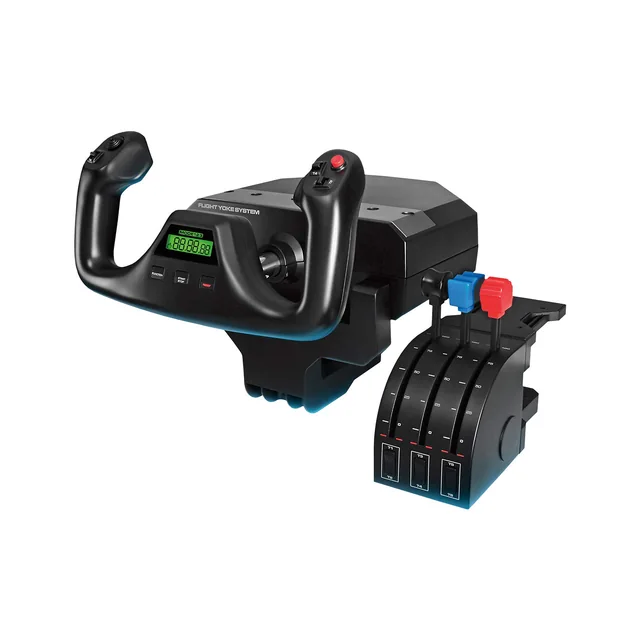
Logitech G Pro Flight Yoke System
A Windows PC yoke and separate throttle quadrant in one package.
MSFS Setup · Methodology · Checked 2026-10-14
These yokes make different tradeoffs. Logitech includes a separate throttle quadrant. Honeycomb’s original Alpha pairs the yoke with a switch panel and leaves throttle choice separate. Turtle Beach combines the yoke, throttle quadrant, trim wheel, and rudder controls.
| Feature | Logitech G Pro Flight Yoke | Honeycomb Alpha Flight Controls | Turtle Beach VelocityOne Flight |
|---|---|---|---|
| Platform | Windows PC. | Original Alpha: PC and Mac. Alpha XPC is a separate Xbox model. | PC and Xbox. |
| Included controls | Yoke and a separate throttle quadrant. | Yoke and switch panel; no throttle quadrant in the linked package. | Yoke, throttle quadrant, trim wheel, and integrated rudder and brake controls. |
| Choose it when | You want the yoke and throttle quadrant in one PC bundle. | You want a modular PC yoke with panel switches and a separate throttle choice. | You want one system for PC or Xbox with throttle and rudder controls included. |
Buying through our Amazon links costs you nothing extra and helps keep MSFS Setup free. As an Amazon Associate we earn from qualifying purchases.
A Windows PC yoke and separate throttle quadrant in one package.
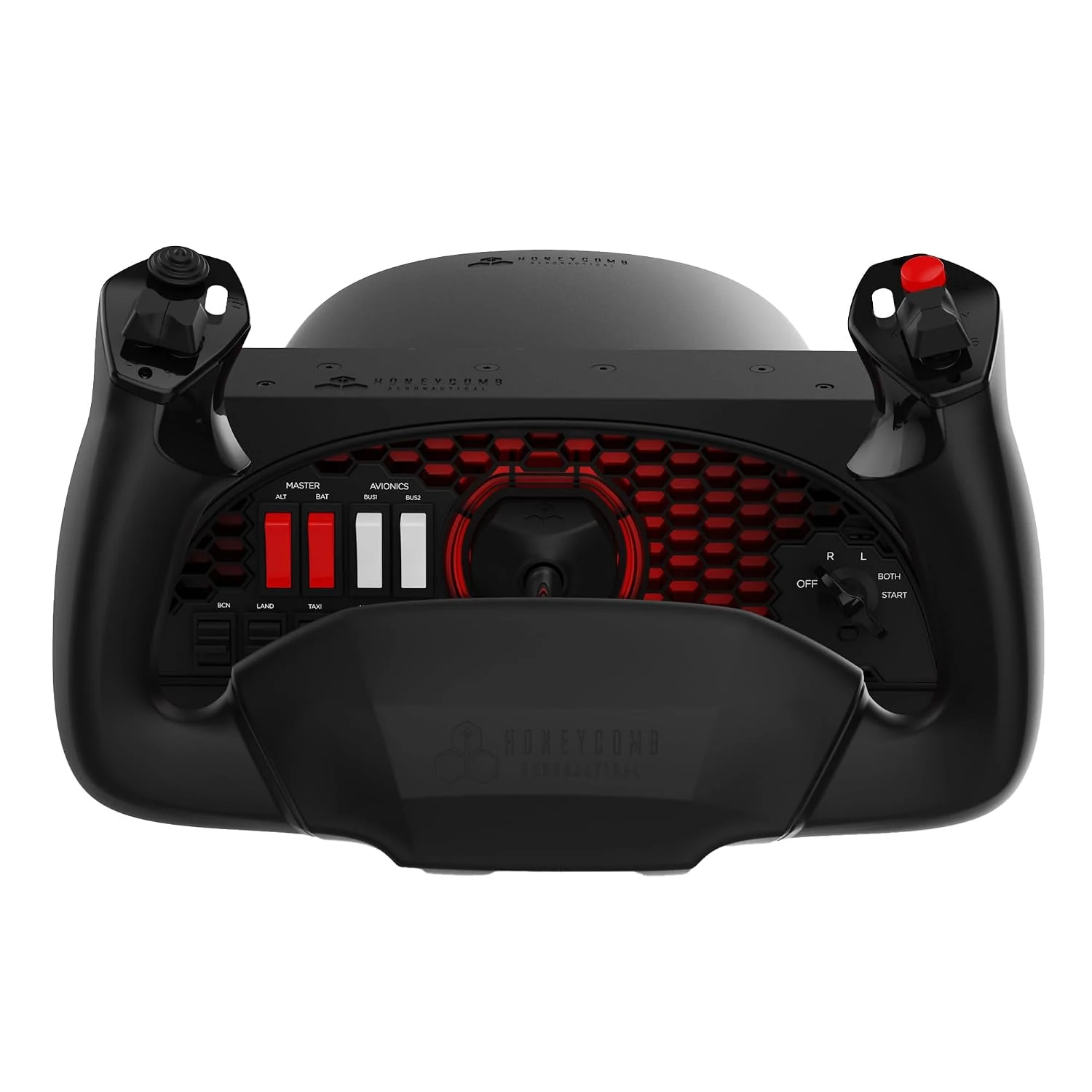
The original PC and Mac model has a switch panel; choose a separate throttle if you need one.
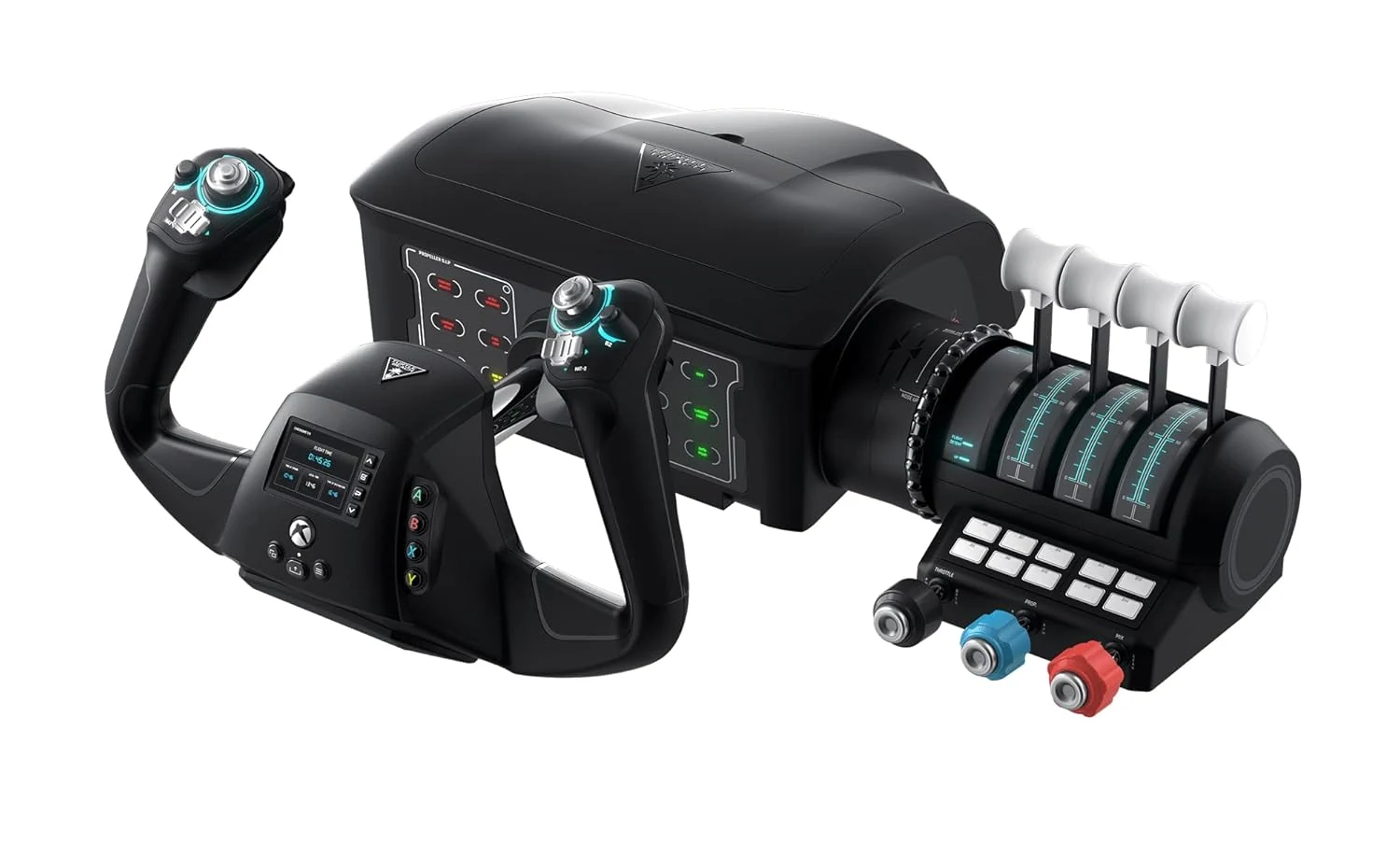
An integrated yoke and throttle system for PC and Xbox, with trim and rudder controls.
Checked October 14, 2026: Logitech’s Flight Yoke System page and technical specifications; Honeycomb’s Alpha Flight Controls page and Xbox compatibility guide; Turtle Beach’s VelocityOne Flight page.
For a Boeing-focused yoke layout, compare the TCA Boeing and Honeycomb Alpha. The existing Honeycomb Alpha and Bravo vs. VelocityOne page focuses on modular yoke and quadrant layouts. Read yoke vs. joystick before choosing the control shape. The Honeycomb Bravo setup guide covers the separate throttle quadrant.