Pick the control that fits the aircraft you actually fly.
Start with the job, then choose an exact model and set it up. These guides cover the mount, USB connection, binds, and the point where a different control family makes more sense.
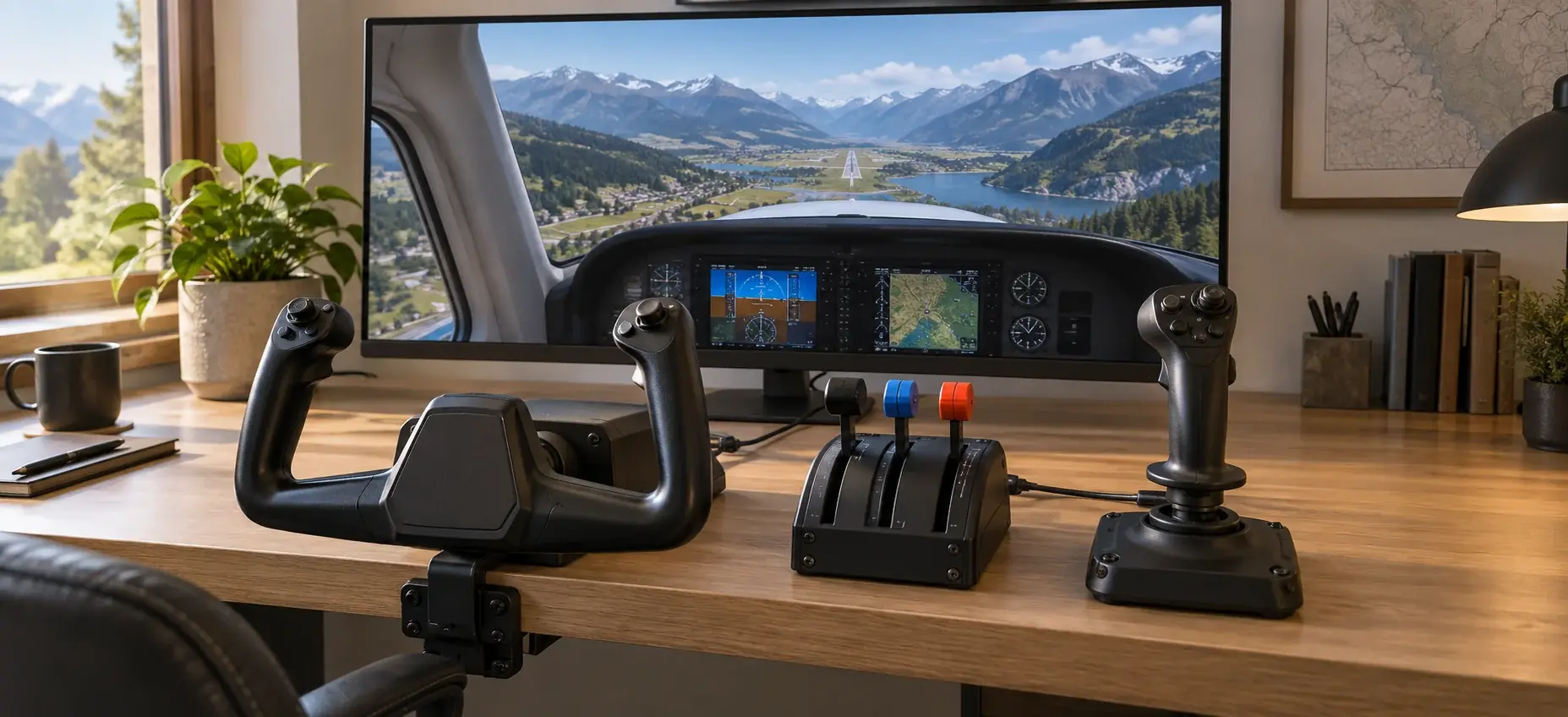
Route index
Choose by the controls you need
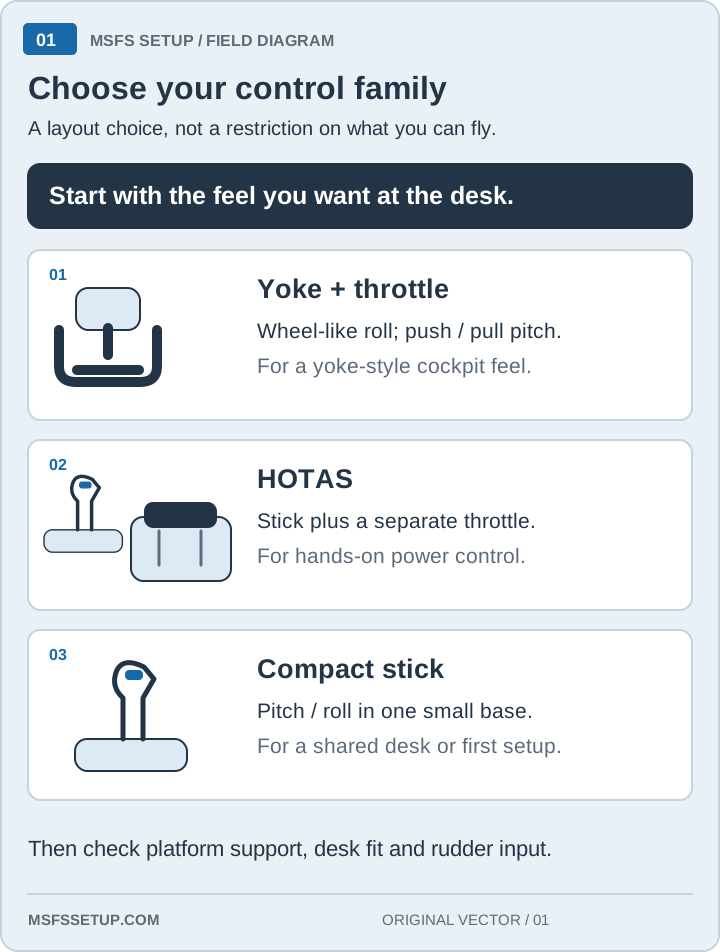
Start with the aircraft and platform, then buy one control family. A trainer can start with a stick, airliner flying may justify a yoke or sidestick, and combat or mixed flying often benefits from a HOTAS. Xbox adds a separate compatibility check before checkout.
| Your first decision | Start here | The next check |
|---|---|---|
| Cessna or trainer aircraft | GA controls | Stick versus yoke, then desk movement |
| Airliner-first flying | Airliner controls | Yoke or sidestick and quadrant space |
| Combat or mixed aircraft | Combat HOTAS | Button reach, throttle, and yaw input |
| Xbox Series X|S | Compatibility checker | Exact edition and connection path |
| PS5 | PS5 controls | Hotas 4, Hotas 5 or Sky Yoke |
Before you click an Amazon link
Check the fit before the feature list. Confirm the aircraft job, platform, desk space, cable path, and the one control that is currently missing. Then confirm the exact model or edition on the Amazon listing and decide whether the setup still makes sense if the sale disappears.
- Name the job. Decide whether you need a stick, a yoke, a sidestick, a throttle, or pedals.
- Check the platform. PC and Xbox editions can look similar while using different connection paths.
- Measure the desk. Include clamp clearance, cable reach, and where the hardware goes between flights.
- Choose the first profile. Buy enough controls for the commands you use, then add an accessory when a repeated limit earns it.
- Verify the listing. Match the product name, edition, and package before checkout.
Start where the setup fails
If the base slides, look at a mount. If keyboard power is the limit, look at a throttle or HOTAS. If yaw and brakes need foot control, look at pedals. If the aircraft changes, revisit the control family before adding buttons.
Choose the GA hub for trainers and light aircraft, or the airliner hub for yokes and sidesticks. The combat hub covers button reach and HOTAS layouts; the Xbox hub checks console support.
After you choose hardware, use the HOTAS setup checklist or the relevant guide to mount it, connect it, bind the essentials, and test it before the first full flight.
Buying through our Amazon links costs you nothing extra and helps keep MSFS Setup free. As an Amazon Associate we earn from qualifying purchases.
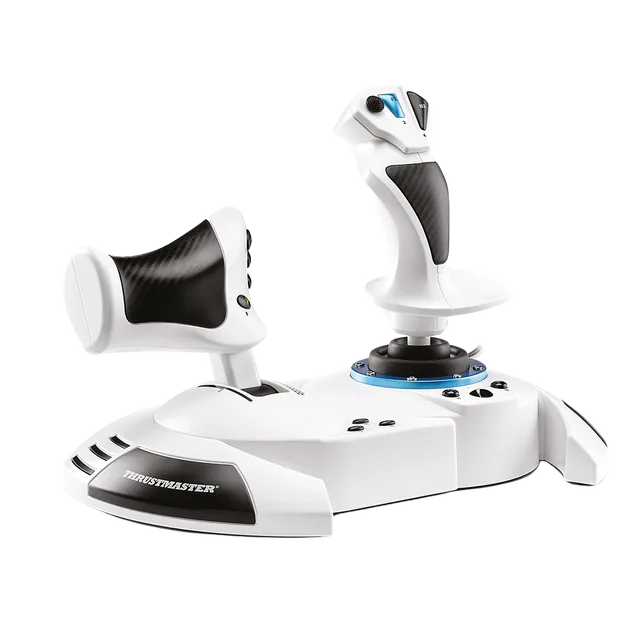
Thrustmaster T.Flight Hotas One MSFS Edition
Default when you want stick and throttle in one setup for PC and Xbox.
| Field | Value |
|---|---|
| Platform | PC · Xbox Series X|S |
| Skip if | Primary job is airliner yoke flying |
Three useful next steps
How recommendations are checked
Each guide names the exact model, platform path, setup limit, and reason to skip it. Product details are checked against manufacturer or simulator documentation and the current retailer listing. Read the methodology before you compare.