Start with the connection path. Thrustmaster TFRP pedals connect to PC through the T.RJ12 USB adapter or to a console through a supported Thrustmaster controller with an RJ12 port. Turtle Beach VelocityOne Rudder pedals connect directly to PC. On Xbox they use the included pass-through cable with VelocityOne Flight; Flightstick needs the separate cable Turtle Beach supplies through support. Logitech pedals use USB; check Logitech’s product page for the supported setup.
Buying through our Amazon links costs you nothing extra and helps keep MSFS Setup free. As an Amazon Associate we earn from qualifying purchases.
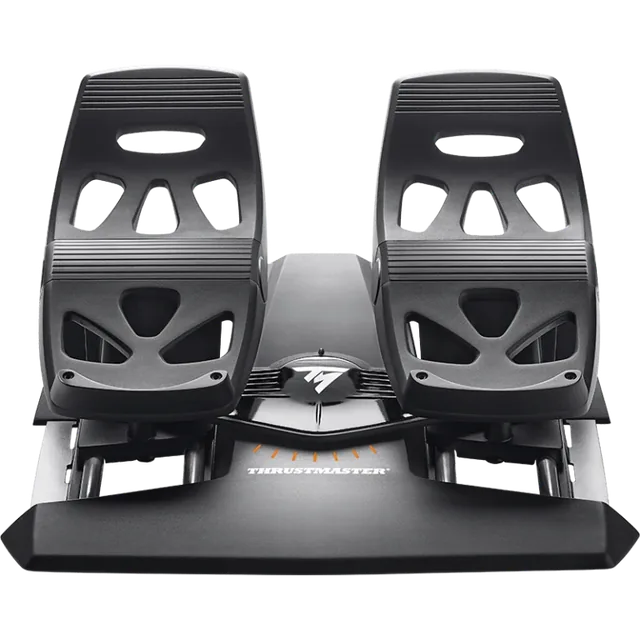
Thrustmaster TFRP Rudder Pedals
For a documented RJ12 connection to a supported Thrustmaster controller or the PC adapter.
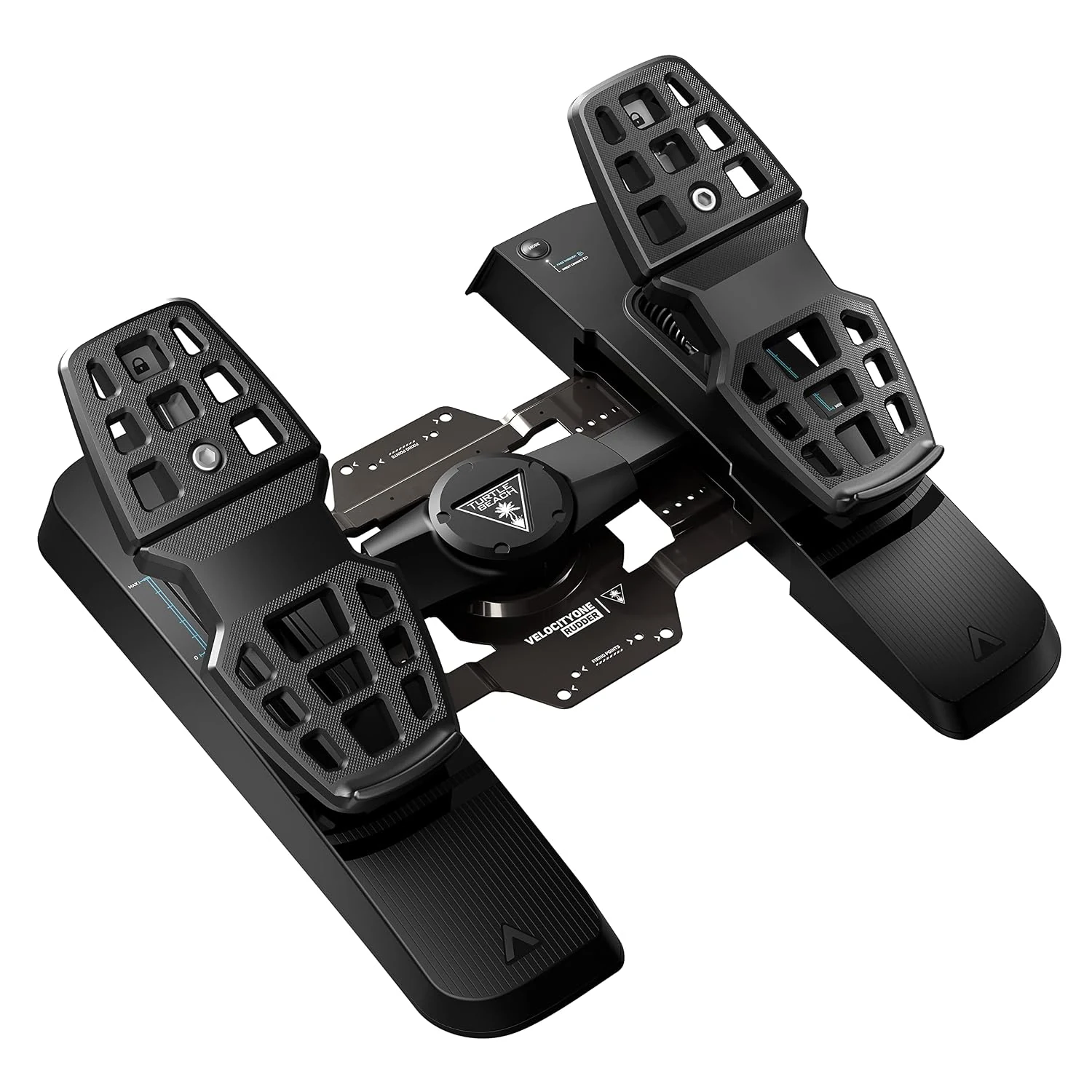
Turtle Beach VelocityOne Rudder
For adjustable pedal spacing and a Turtle Beach PC or Xbox setup.
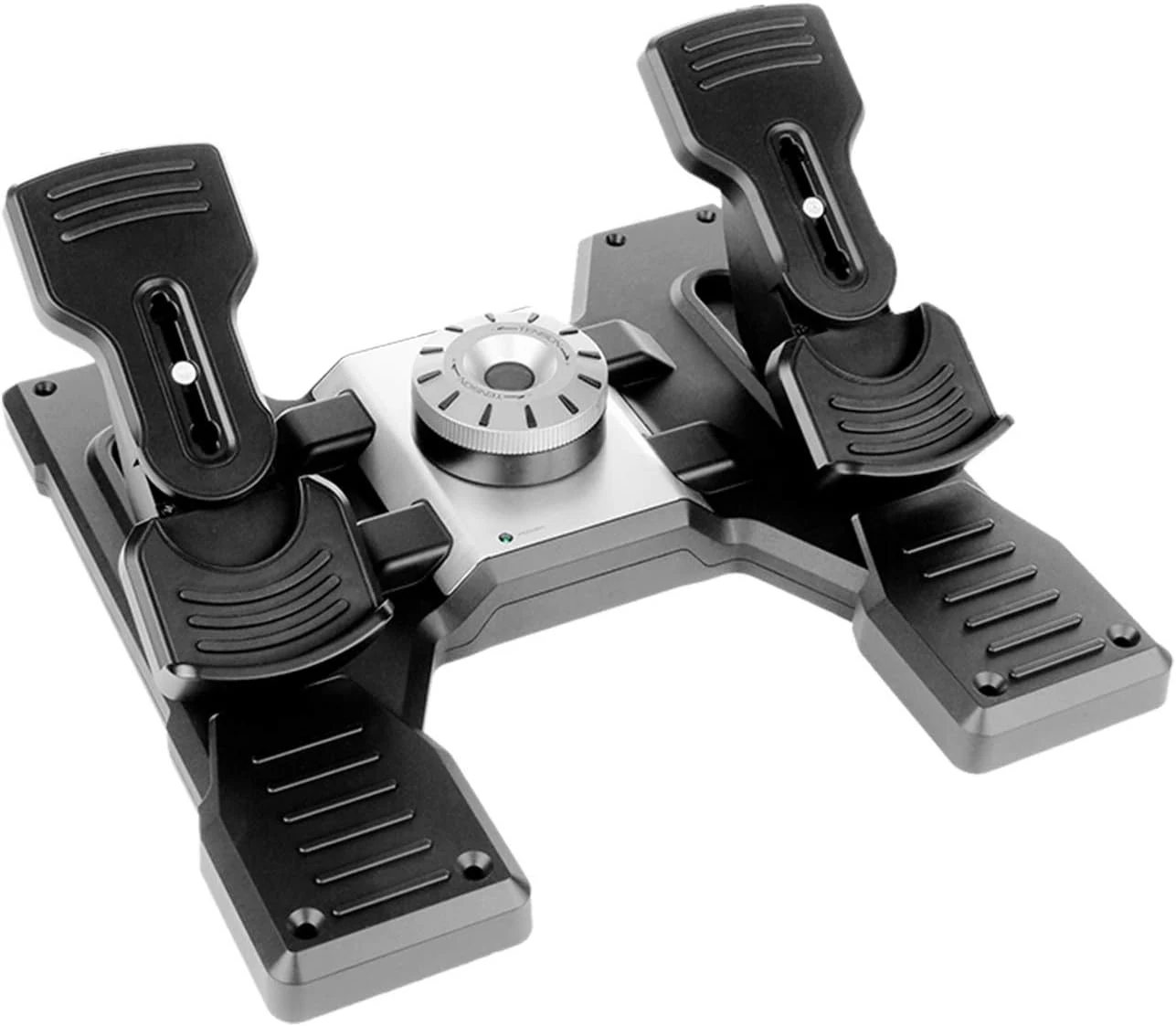
Logitech G Pro Flight Rudder Pedals
For adjustable footrests and pedal tension with differential toe brakes.
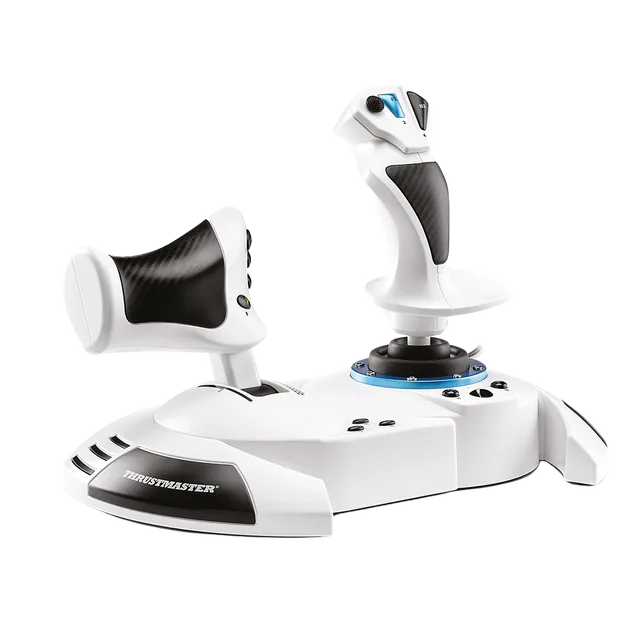
Thrustmaster T.Flight Hotas One MSFS Edition
A supported Thrustmaster controller path for TFRP pedals on Xbox.
Compare the connection paths
| Pedals | Documented connection | Controls and fit | Good fit when |
|---|---|---|---|
| Thrustmaster TFRP | PC: T.RJ12 USB adapter, connected directly to the computer. Xbox: RJ12 port on a supported Thrustmaster controller. PS5: an RJ12 controller listed for the console. Thrustmaster recommends avoiding hubs and extension cables with its USB adapter. | S.M.A.R.T. slide rails, differential toe brakes. Chassis: 34.9 cm wide × 31.4 cm deep × 20.6 cm high. | You want the Thrustmaster RJ12 ecosystem and can use its adapter or a compatible controller. |
| Turtle Beach VelocityOne Rudder | PC: 2 m USB-C to USB-A cable. Xbox: 2.5 m USB-C pass-through with VelocityOne Flight. Flightstick on Xbox needs the pass-through cable Turtle Beach supplies through support. | Adjustable pedal width, Hall-effect sensors on all axes, and interchangeable pedals and springs. | You want adjustable foot spacing, or you already use VelocityOne Flight or a supported Flightstick path on Xbox. |
| Logitech G Pro Flight Rudder Pedals | USB connection. Check Logitech’s product page for the supported setup before choosing a platform. | Adjustable footrests and tension, with separate toe-brake controls. | You want adjustable footrests and tension in the Logitech control layout. |
Check the Xbox pedal lookup for controller bridges, and Thrustmaster’s TFRP connection support for the exact adapter and controller paths. The PS5 hub covers the console setup more broadly. There is no universal pedal-to-console cable.
Choose pedals when twist rudder stops being enough
Pedals move yaw to your feet and can separate left and right braking. They also take floor space. Before ordering, sit in your normal position and check that the pedals, chair, and desk leave room for comfortable leg movement.
Keep the stick’s twist axis or rocker if it gives you the control you need and you do not want toe brakes. If you add pedals, assign one rudder input at a time so the stick and pedals do not compete.
For rotorcraft setup and binding notes, see the helicopter and warbird controls guide.
Set up and check the axes
Open the simulator’s controller settings and select the pedal device. In MSFS 2024, use Settings → Controls; in MSFS 2020, use Options → Controls Options. Assign the rudder axis and, when present, the left and right brake axes. Move each pedal and confirm the on-screen input follows it before flight.
For the current profile menu and input search, see Microsoft’s Controller Settings FAQ and the HOTAS setup checklist.
Keep the next step simple
If you are choosing a stick and pedals together, compare the first options in the first HOTAS guide. The airliner hub covers sidestick and yoke packages. For a side-by-side look at the main PC and console options, see the rudder pedals comparison.