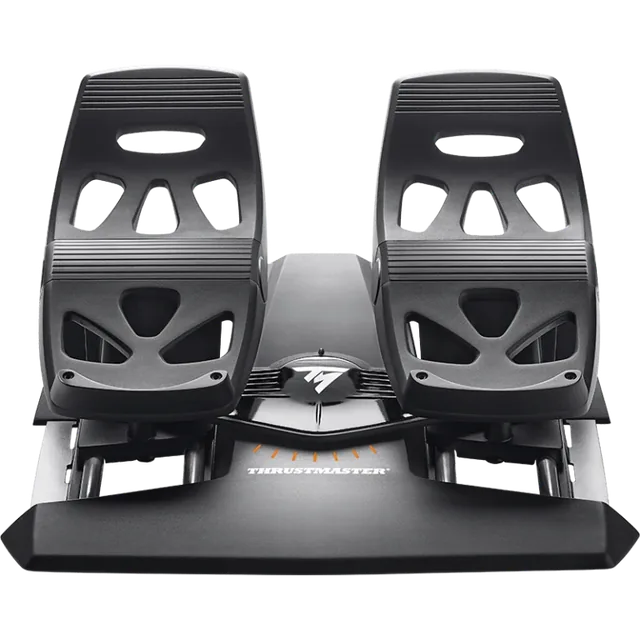
Thrustmaster TFRP Rudder Pedals
A sliding pedal set with an RJ12 console path through compatible Thrustmaster hardware. Check the host before ordering.
MSFS Setup · Methodology · Checked 2026-10-14
Start with the controller you already own. TFRP pedals connect through a supported Thrustmaster host on console. Logitech’s set is a USB choice for Windows PC. Turtle Beach’s VelocityOne Rudder connects to PC by USB or to Xbox through the VelocityOne Flight system.
| Feature | Thrustmaster TFRP | Logitech G Pro Flight Rudder Pedals | Turtle Beach VelocityOne Rudder |
|---|---|---|---|
| Connection | RJ12 to a supported Thrustmaster host; a USB adapter is another PC path. | USB to a Windows PC. | USB to PC; Xbox connection goes through VelocityOne Flight. |
| Pedal feel and adjustment | Sliding rails with a self-centering rudder axis and toe brakes. | Self-centering pedals, differential toe brakes and an adjustable tension dial. | Non-contact Hall sensors, adjustable pedal width, and replaceable pedal faces and springs. |
| Console fit | Use only with a Thrustmaster device that lists the TFRP connection for that console. | Logitech’s specifications list Windows support. | Xbox requires the Turtle Beach pass-through connection to VelocityOne Flight. |
Buying through our Amazon links costs you nothing extra and helps keep MSFS Setup free. As an Amazon Associate we earn from qualifying purchases.
A sliding pedal set with an RJ12 console path through compatible Thrustmaster hardware. Check the host before ordering.
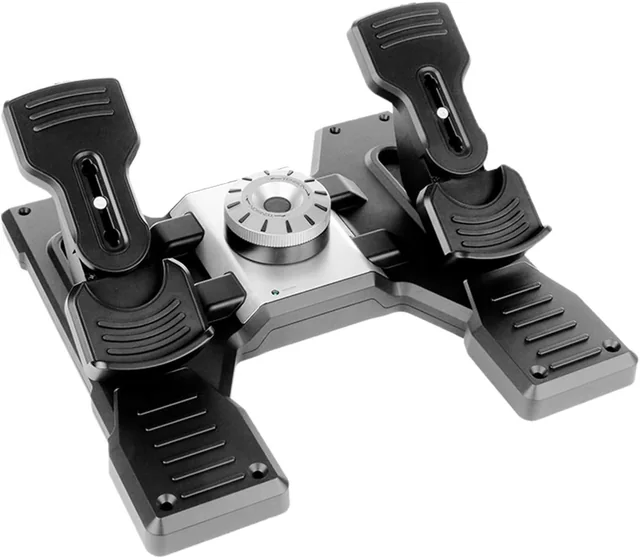
A PC USB set with differential toe brakes and an adjustable center tension dial.
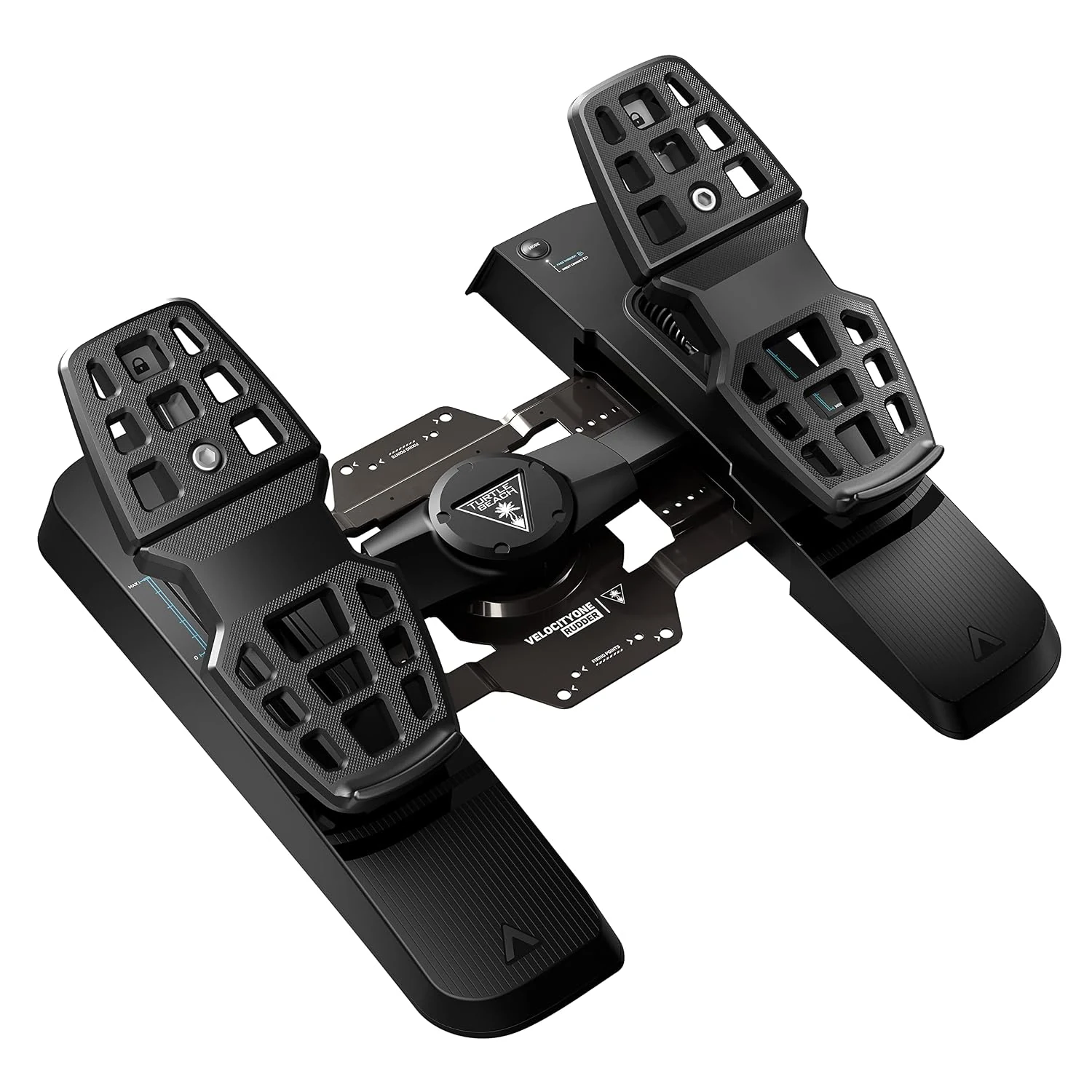
Adjustable-width pedals with contactless sensors. On Xbox, use the supported VelocityOne Flight pass-through path.
Checked October 14, 2026: Thrustmaster’s TFRP product page and connection guide; Logitech’s Flight Rudder Pedals page and technical specifications; Turtle Beach’s VelocityOne Rudder page.
For the Thrustmaster connection path, see the rudder pedals setup guide. The PS5 controls hub lists the PlayStation host path; the Xbox hub covers console bridges. For rotorcraft yaw, see the helicopter and warbird controls guide.