Choose the modules before binding them. The main quadrant has two thrust levers. The Add-On adds flap and speed-brake controls, but it requires the main quadrant. For an Xbox setup, use a TCA Sidestick X as the bridge or choose the Captain Pack X set.
What is in each TCA Airbus package?
| Unit | Controls included | Connection |
|---|---|---|
| TCA Quadrant Airbus Edition | Two thrust levers with adjustable detents and reverse controls. | USB to PC. For Xbox, connect it to the TCA Sidestick X. |
| TCA Quadrant Add-On Airbus Edition | Separate flap and speed-brake modules, with additional Airbus controls. | Connects to the main quadrant with the included SATA cables; it is not a standalone USB controller. |
| TCA Captain Pack X Airbus Edition | TCA Sidestick X, the main quadrant, and the flap and speed-brake modules. | Connect the set to PC or Xbox with the sidestick's USB cable. |
The main TCA Quadrant Airbus Edition is required before adding the separate TCA Quadrant Add-On.
Buying through our Amazon links costs you nothing extra and helps keep MSFS Setup free. As an Amazon Associate we earn from qualifying purchases.
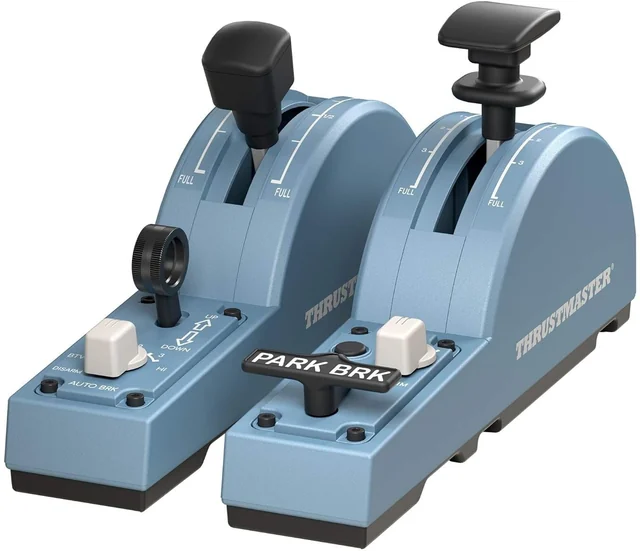
Thrustmaster TCA Quadrant Add-On Airbus Edition
Adds the flap and speed-brake modules to the main TCA Airbus quadrant. Check that you have the center quadrant before ordering this add-on.
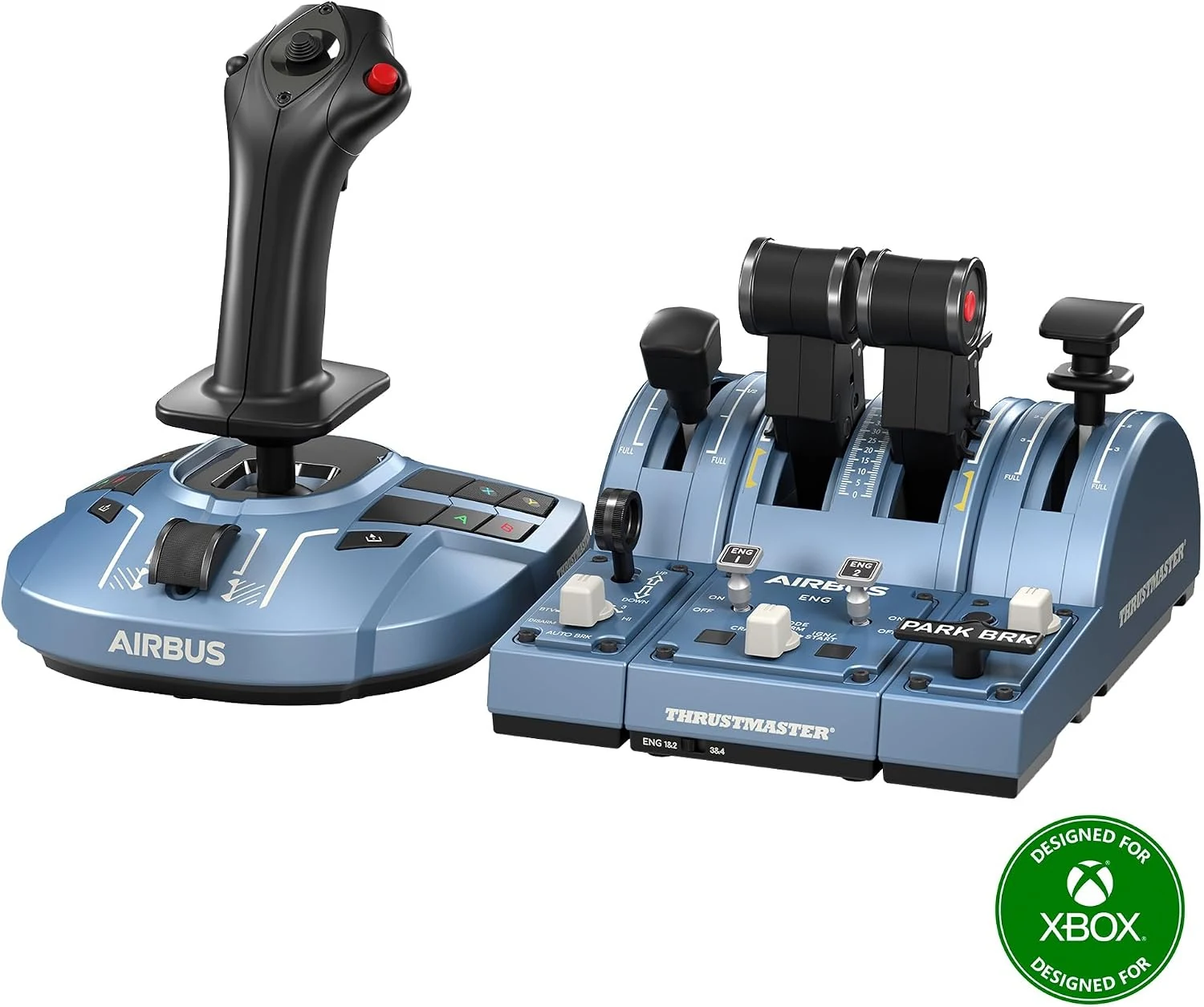
Thrustmaster TCA Captain Pack X Airbus Edition
A PC and Xbox set with the TCA Sidestick X, main quadrant, and flap and speed-brake modules.
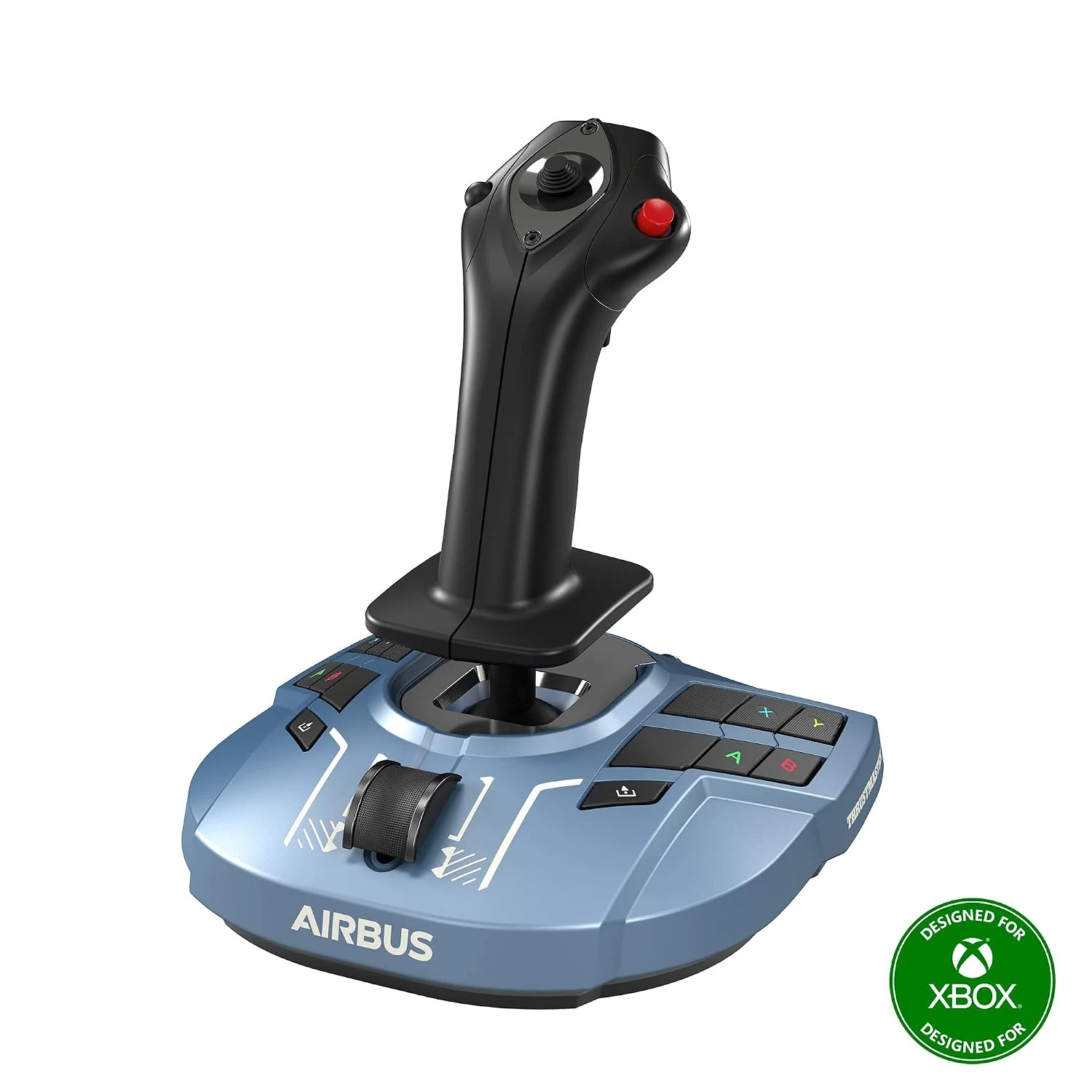
Thrustmaster TCA Sidestick X Airbus Edition
Use it as the Xbox connection for a TCA Airbus quadrant you already own. Connect the quadrant directly to the sidestick.
Connect the quadrant and add-on
- On PC: connect the main quadrant to the computer with its USB cable. Connect each Add-On module to the main unit with the included SATA cables.
- On Xbox: connect the TCA Sidestick X directly to the console, then connect the main quadrant to a USB-A port on the sidestick. Add-On modules attach to the main quadrant. Thrustmaster advises against a generic hub or extension in this path.
- In MSFS: open Settings, then Controls, and select the quadrant. Bind each thrust lever to the engine control used by the aircraft. Move the lever and use Search by Input to check direction and duplicate assignments.
- For detents: the quadrant's mechanical selectors can disable detents and thrust reversers for linear-axis use. Keep the detents enabled when you want the physical gates, then check the control profile in the aircraft you fly.
MSFS lets you keep General, aircraft-category, and individual-aircraft controller profiles. Use a separate profile when an aircraft needs different lever assignments; see Microsoft's Controller Settings FAQ. For Xbox setup details, read the Xbox compatibility guide. For the sidestick's other controls, see our TCA Airbus sidestick guide. For a modular throttle instead, see the Honeycomb Bravo setup guide, and for extra autopilot buttons see the panel and Stream Deck guide.
Questions about the TCA Airbus quadrant
Does the TCA Quadrant Airbus Add-On work by itself?
No. It connects to the TCA Quadrant Airbus Edition with the included SATA cables. Its flap and speed-brake controls appear with the main quadrant.
How do you connect the TCA Airbus quadrant to Xbox?
Connect the TCA Sidestick X directly to the Xbox, then connect the TCA Quadrant Airbus Edition to a USB-A port on the sidestick. Thrustmaster recommends a direct connection without a generic USB hub or extension.
Can the TCA Airbus quadrant be used for GA or Boeing aircraft?
Yes. Thrustmaster says its mechanical selectors can disable the detents and thrust reversers for linear-axis mode. In MSFS, bind the levers to the controls used by the aircraft profile.