If you already own the Extreme 3D Pro, its one-piece layout can be enough for PC flying. Choose a Hotas One when you want a separate throttle or need an Xbox-compatible controller.
Short answerKeep an Extreme 3D Pro you already own if one stick suits your PC setup. Choose the Hotas One MSFS Edition when a separate throttle or Xbox support matters.
Logitech G Extreme 3D Pro
Single-stick PC layout
Choose this when: you already own the stick and want to keep a compact, one-piece control layout.
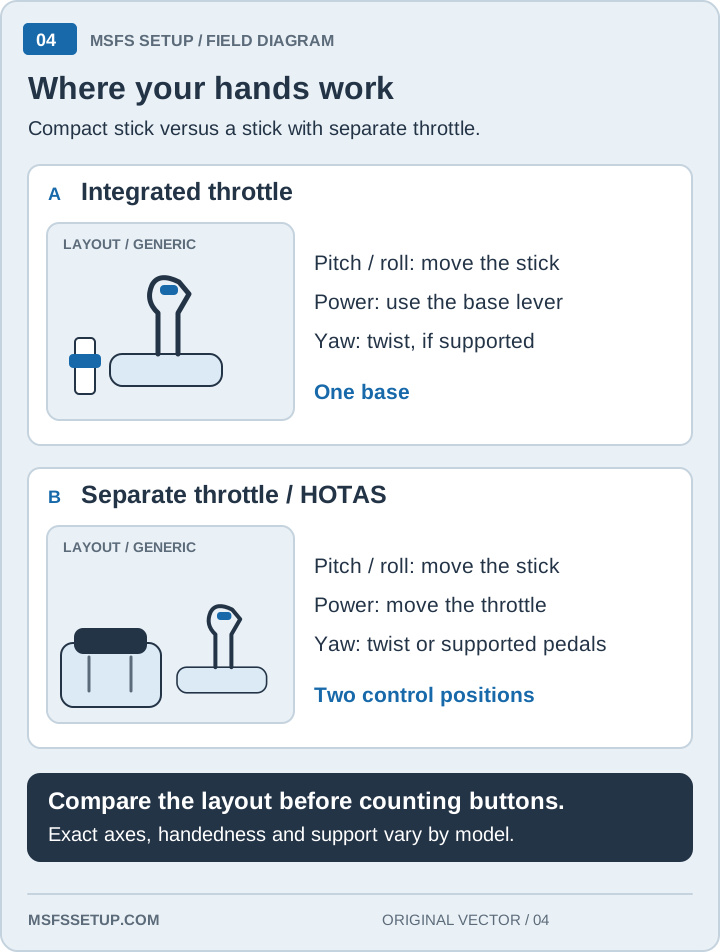
One stick with a base throttle control
Twist input can handle rudder when pedals are not in use
A single stick keeps the setup to one base. A HOTAS puts throttle control on a separate unit, so you can move power without taking your hand off the throttle. That matters most when you fly often or use aircraft with frequent power changes.
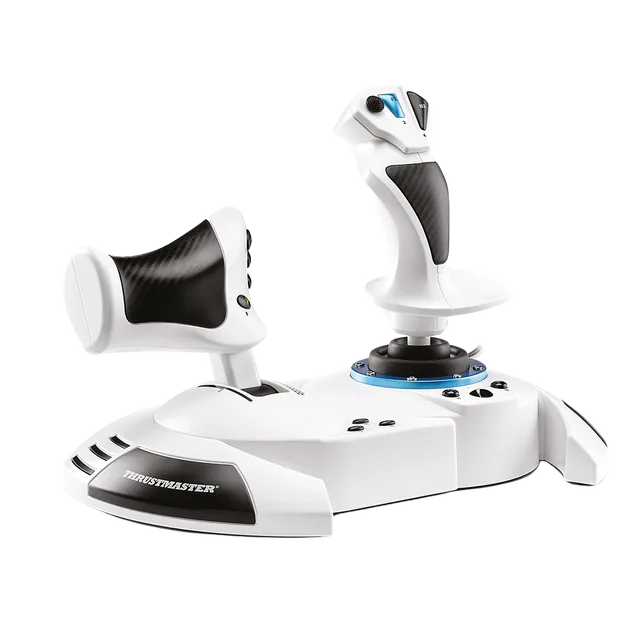
The Hotas One MSFS Edition supports PC and Xbox and includes a detachable throttle. See Thrustmaster’s product details for the matching edition.
Which one should you buy?
Keep the Extreme 3D Pro if you already own it, fly on PC, and prefer a single control base.
Choose the Hotas One MSFS Edition if you want a separate throttle or Xbox support. Read the first HOTAS buying guide before choosing a complete setup.