Buying through our Amazon links costs you nothing extra and helps keep MSFS Setup free. As an Amazon Associate we earn from qualifying purchases.
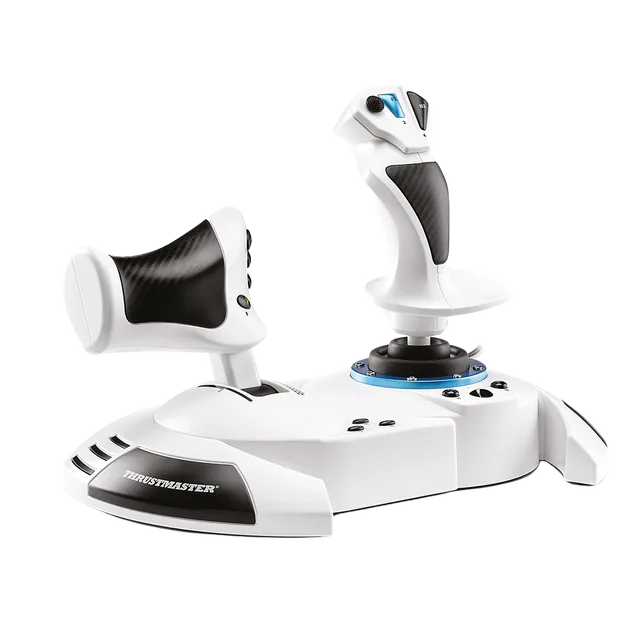
Thrustmaster T.Flight Hotas One MSFS Edition
Detachable throttle, with PC and Xbox support.
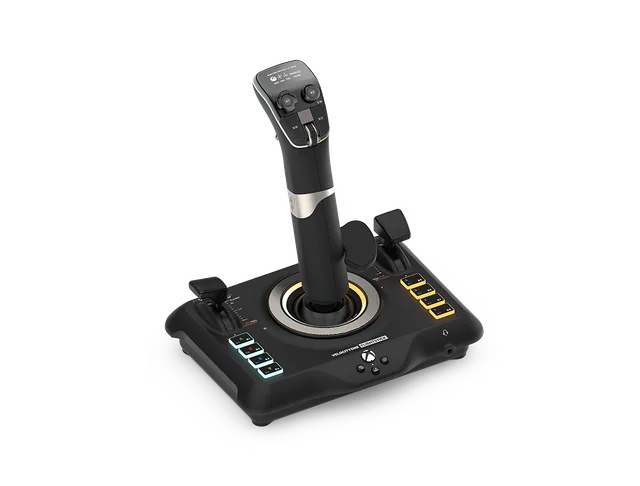
Turtle Beach VelocityOne Flightstick
Throttle and flap controls stay on the stick base.
Pick by throttle layout
| If you want | Choose | Reason |
|---|---|---|
| A separate throttle | Hotas One | The throttle detaches from the stick base. |
| Throttle controls on one base | VelocityOne Flightstick | Throttle and flap controls sit beside the stick. |
| A controller listed for PC and Xbox | Either model | Check the exact edition on the manufacturer page. |
Check the platform and package
Thrustmaster lists PC and Xbox support for the T.Flight Hotas One MSFS Edition. Turtle Beach lists PC and Xbox support for VelocityOne Flightstick. Both differ from a yoke setup; use the airliner hub if a yoke or Airbus sidestick is the better fit.
For product details, see the manufacturers’ Hotas One MSFS Edition and VelocityOne Flightstick pages.
Which layout fits your desk?
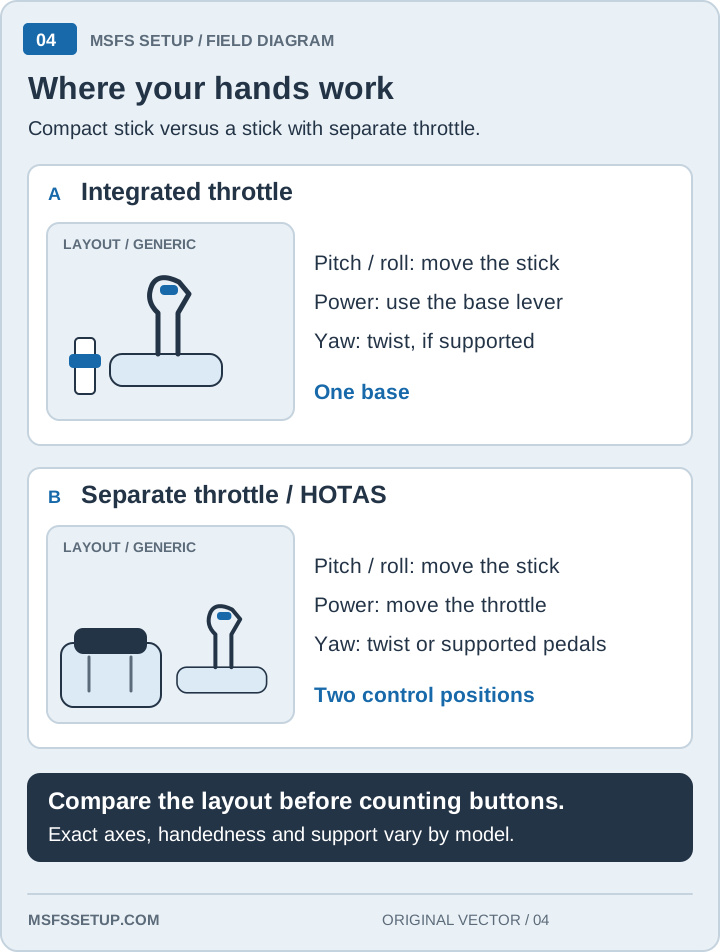
The Hotas One puts the throttle on a separate base that can be detached for storage. VelocityOne keeps its throttle and flap controls on the stick base. Check the space and hand position you have before choosing.
Buy the Hotas One for a separate throttle, or the VelocityOne for a compact desk
Choose the Hotas One MSFS Edition if you want a separate throttle for PC or Xbox.
Choose the VelocityOne Flightstick if you prefer throttle and flap controls on the stick base.
Start at the MSFS controls hub to compare other control families, or read the first HOTAS buying guide.
Xbox controls guide · ← All comparisons
First HOTAS buying guide · Xbox controls guide · ← All comparisons