Compare the port count and included adapter
| Model | Ports | Adapter listed by Sabrent | Per-port switches |
|---|---|---|---|
| Sabrent HB-BUP7 | 7 USB 3.0 | 12V, 3A | Yes |
| Sabrent HB-BU10 | 10 USB 3.0 | 12V, 5A | Yes |
The adapter figures are the manufacturer's listed adapter ratings. They do not describe a guaranteed allocation to each port. Both Sabrent product pages list individual switches, power indicators, and an included adapter: HB-BUP7 and HB-BU10.
Two sizes to consider
Buying through our Amazon links costs you nothing extra and helps keep MSFS Setup free. As an Amazon Associate we earn from qualifying purchases.
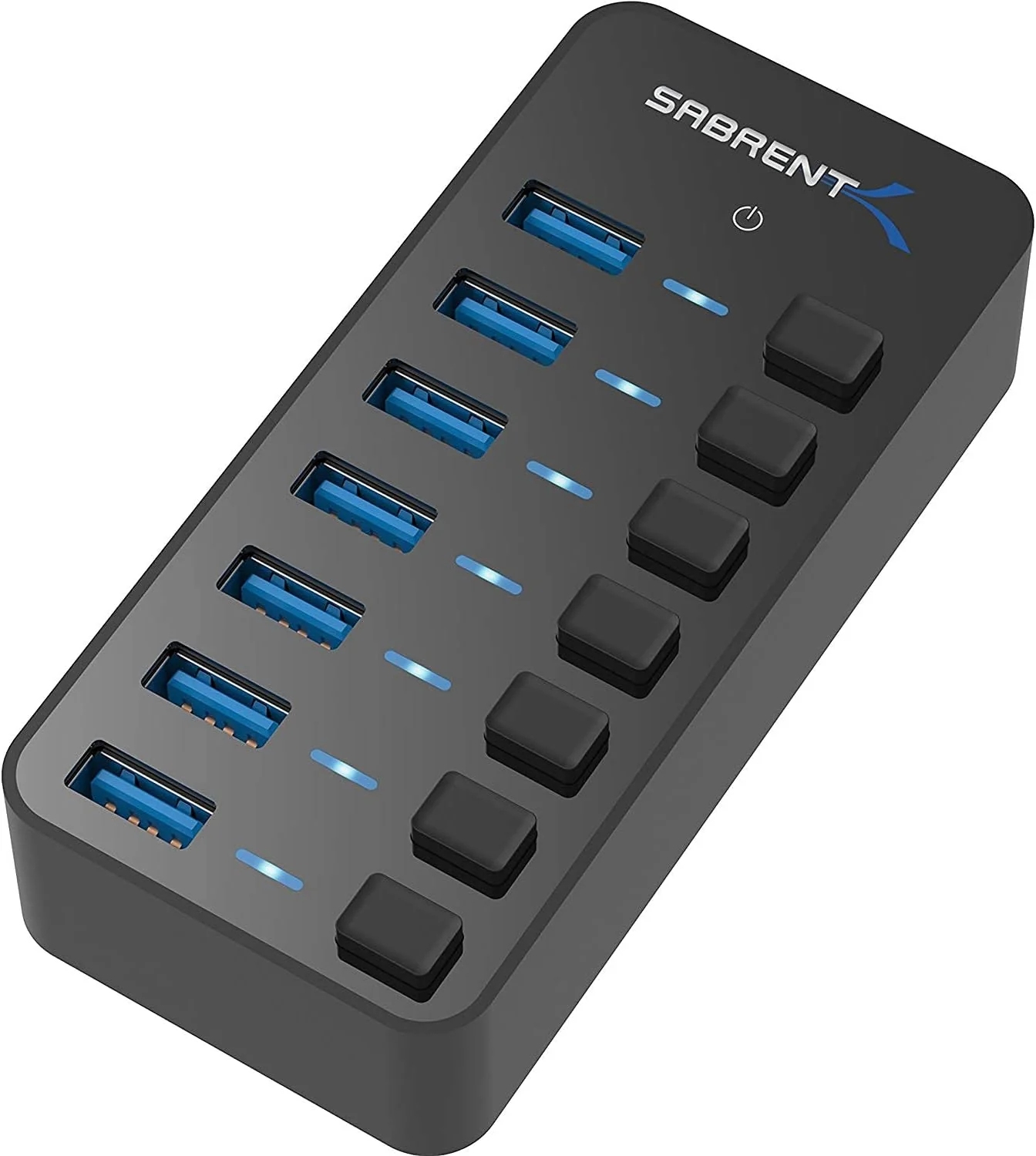
Sabrent HB-BUP7 7-Port Powered USB 3.0 Hub
Compact option with individual port switches and an included power adapter. Check the included adapter rating against Sabrent's current specifications.
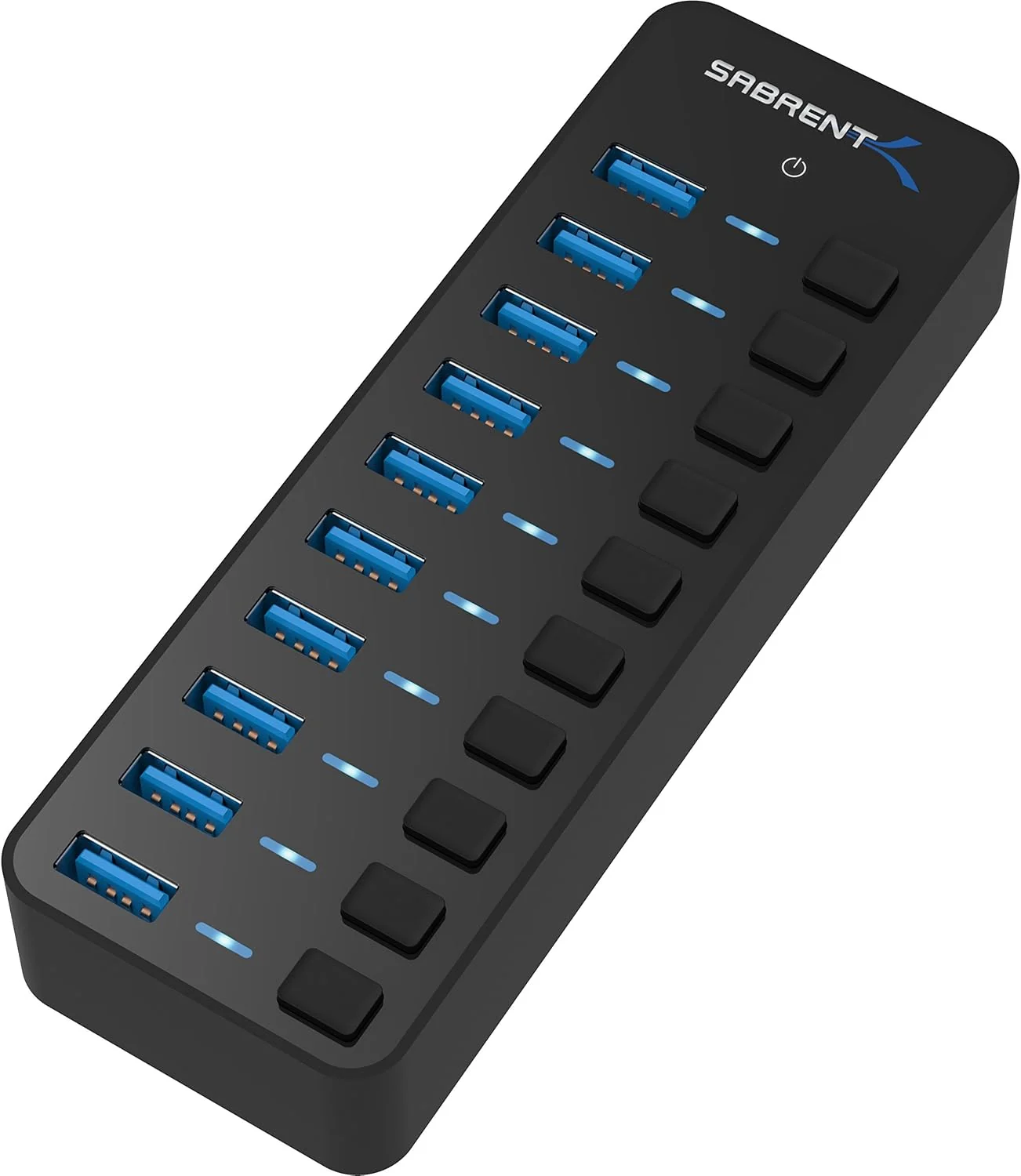
Sabrent HB-BU10 10-Port Powered USB 3.0 Hub
More ports for a larger desk setup, with individual switches and a separate adapter. Confirm the package and adapter details on the listing.
Check the connection before changing hardware
- Connect one controller directly to the PC and check that the simulator sees its inputs.
- If that works, connect the powered hub and its adapter, then test the same controller through it.
- Add other devices one at a time. If a problem appears, test the cable and port separately and check the device maker's driver and setup guidance.
A powered hub changes the connection path; it cannot repair a damaged cable or an incorrect simulator binding. Windows also has USB selective suspend, which can suspend an idle device while leaving other USB devices available. Microsoft describes it as a normal power-saving feature. If a problem follows idle or resume, read Microsoft's selective suspend documentation before changing power settings.
For console setups, follow the controller maker's documented path. The Xbox hub and extension guide covers the device-specific connection rules.
Related setup guides
USB cameras and head trackers add another cable to a cockpit. Compare the Tobii and TrackIR guide if you are adding head tracking. The HOTAS setup checklist covers basic connection and profile checks.
FAQ
Will a powered USB hub fix controller dropouts?
Not by itself. A powered hub adds ports and uses a separate adapter, but a dropout can still come from a cable, device, driver, port, or software profile. Test one device directly, then through the hub.
Which Sabrent hub should I choose?
Choose by the number of ports you need. The HB-BUP7 has 7 USB 3.0 ports and includes a 12V 3A adapter. The HB-BU10 has 10 USB 3.0 ports and includes a 12V 5A adapter. Both have individual port switches.
Sources and method
Manufacturer and platform documentation checked October 14, 2026: Sabrent's HB-BUP7 specifications, HB-BU10 specifications, and Microsoft's USB selective suspend guide.