What changes between the two
| Check | Tobii Eye Tracker 5 | TrackIR 5 |
|---|---|---|
| Input | Head and eye movement | Head position and orientation from optical markers |
| What you wear | No cap or headset clip | The standard TrackClip attaches to a cap or visor |
| Screen guidance | Eye tracking: up to 27 inches at 16:9 or 30 inches at 21:9. Tobii says this guidance does not apply to head tracking. | NaturalPoint's product page describes monitor mounting and does not give a screen-size recommendation. |
| Listed tracking figures | Operating distance: 45–95 cm | 120 fps sample rate; 9 ms response time |
| MSFS 2024 | Tobii lists the game on its supported-games page | NaturalPoint lists the game as TrackIR Enhanced |
Tobii's screen guidance and operating distance come from its product specifications. Its MSFS 2024 page lists the game and describes head and eye tracking. NaturalPoint lists the TrackIR 5 figures and included TrackClip and includes MSFS 2024 on its enhanced-games list.
Two options for a PC cockpit
Buying through our Amazon links costs you nothing extra and helps keep MSFS Setup free. As an Amazon Associate we earn from qualifying purchases.
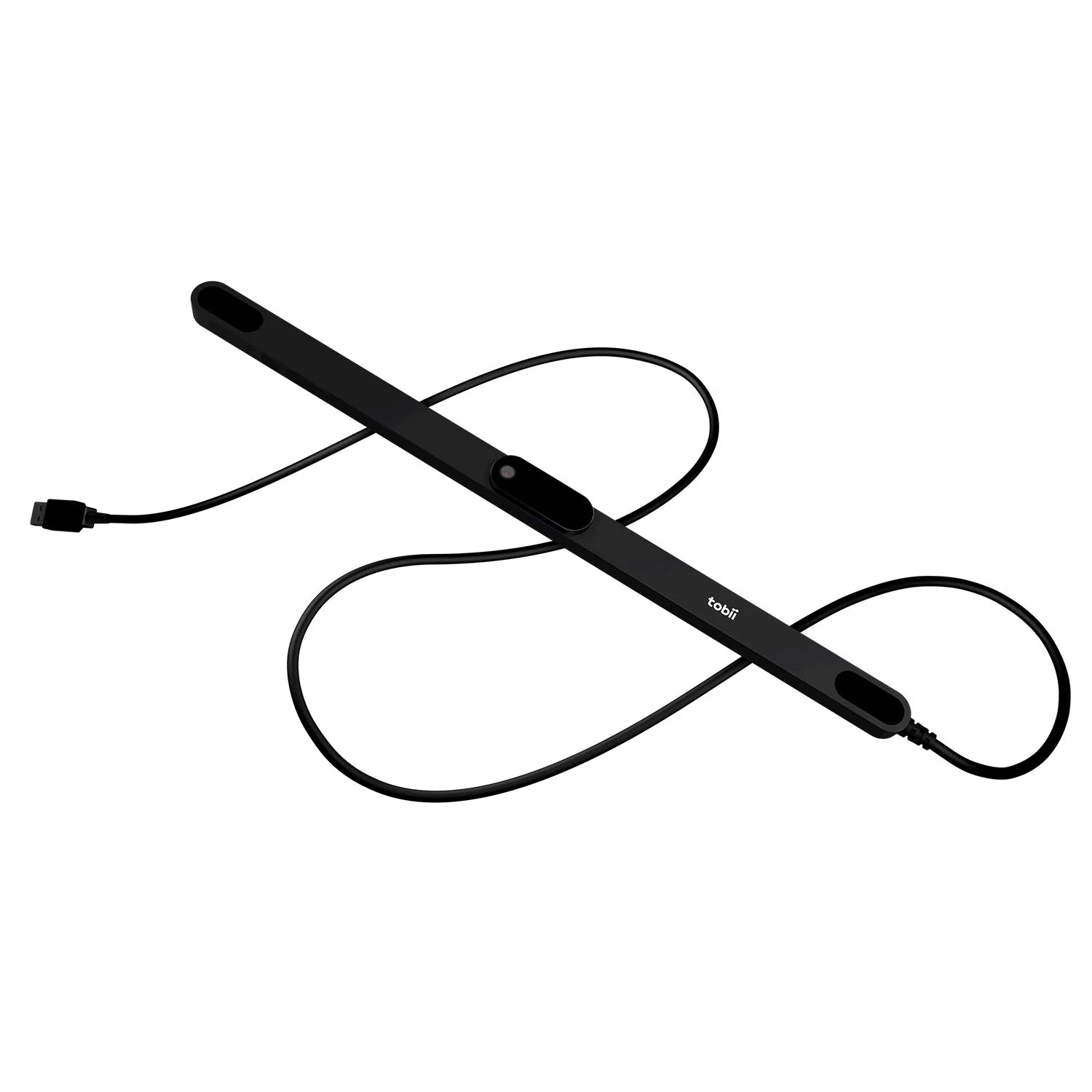
Tobii Eye Tracker 5
Head and eye tracking with no wearable clip. Check the screen and seating guidance if you plan to use eye tracking.
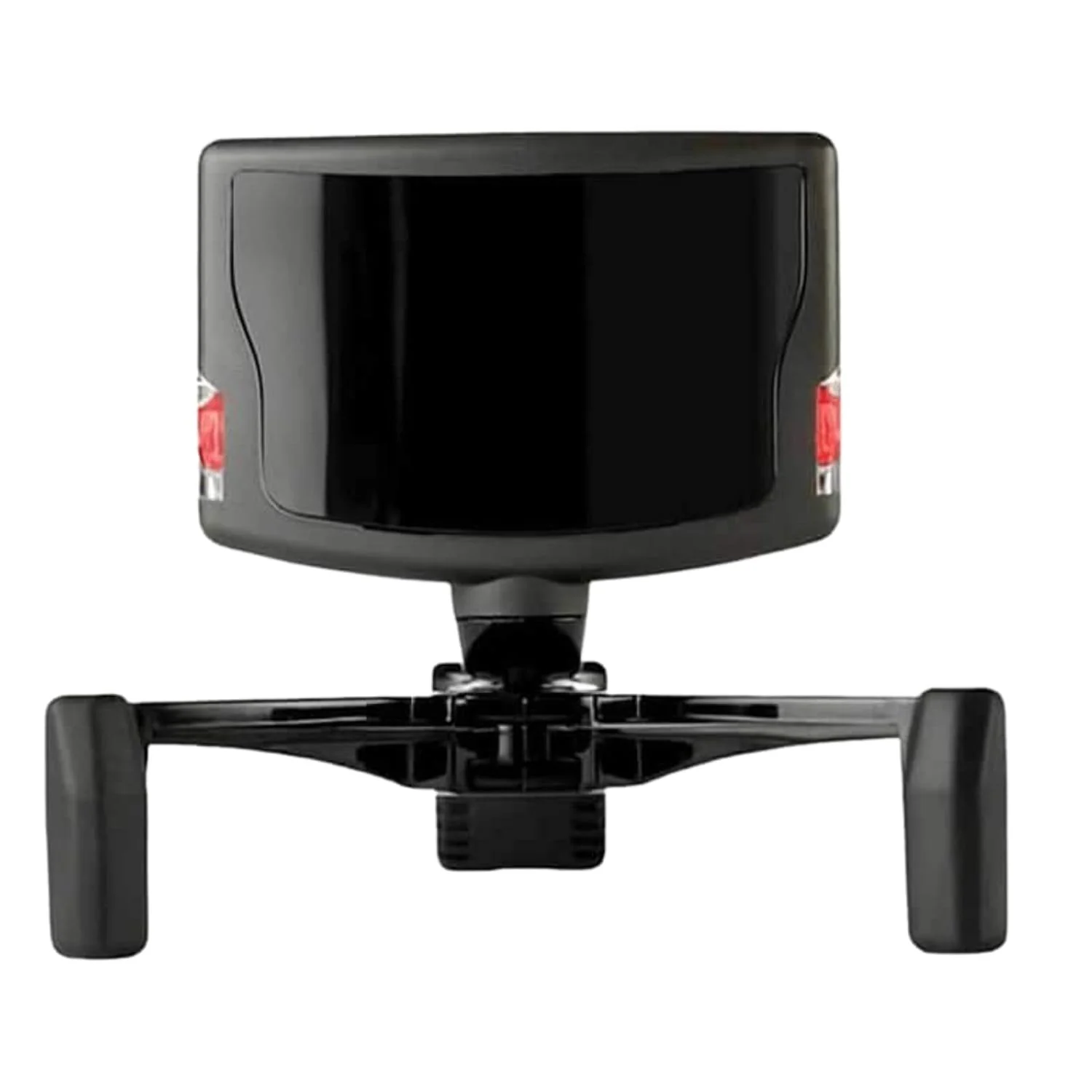
NaturalPoint TrackIR 5
Optical head tracking with the standard reflective TrackClip. Check the package contents if you want the separate headset-mounted accessory.
How to choose
Pick Tobii when you prefer a clip-free setup or want to use eye movement as an input. Its screen-size recommendation is for eye tracking, so a larger display is not by itself a reason to rule out head tracking.
Pick TrackIR when you are comfortable wearing the included clip and want the camera mounted at the display. NaturalPoint lists a TrackClip Pro for some headset bands as a separate accessory; check that exact package before ordering.
If you fly mostly on autopilot and use saved views, keep the hat switch. For helicopters and warbirds where you often look around the cockpit, see the controls guide. The guides index has the rest of the setup topics. If the tracker needs another USB port, use the powered USB hub guide.
FAQ
Is the Tobii Eye Tracker 5 supported in Microsoft Flight Simulator 2024?
Yes. Tobii lists Microsoft Flight Simulator 2024 as a supported game. Tobii lists Windows 10 (64-bit) RS3 or newer as the device operating system requirement.
Do Tobii's screen size recommendations limit head tracking?
No. Tobii says the screen size recommendations apply to eye tracking and do not apply to head tracking. Its published eye tracking recommendation is up to 27 inches at 16:9 or 30 inches at 21:9.
Sources and method
Manufacturer pages checked October 14, 2026: Tobii Eye Tracker 5 specifications, Tobii's MSFS 2024 page, NaturalPoint's TrackIR 5 page, and its supported-games list.